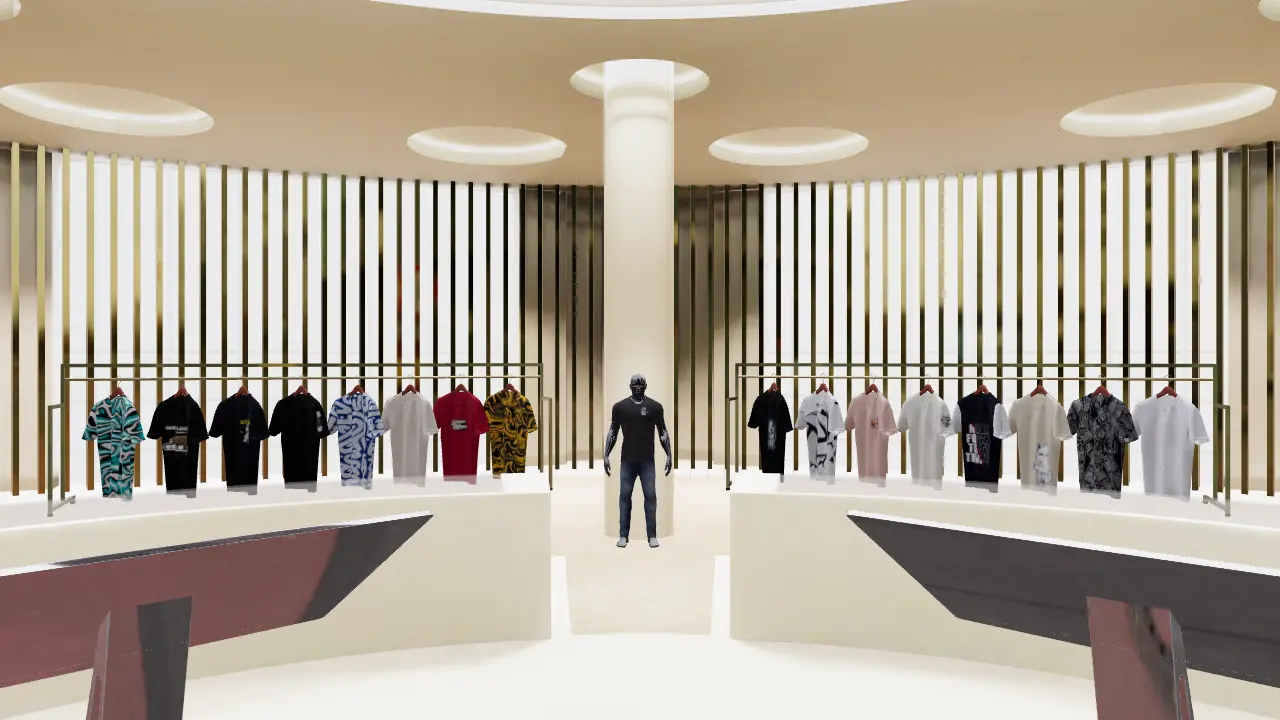
Shackit 3D Showroom
Your store.
Now walkable.
Turn your Shopify products into a 3D showroom that shoppers walk through, right on your own store.
Free plan available. Works with every Shopify Online Store theme.
Shackit Creator Toolkit.
Create. Customize. Expand.

Brand Launch
Launch your brand in 3D. Create, customize, and sell through immersive XR stores that captivate customers beyond traditional eCommerce.
Learn more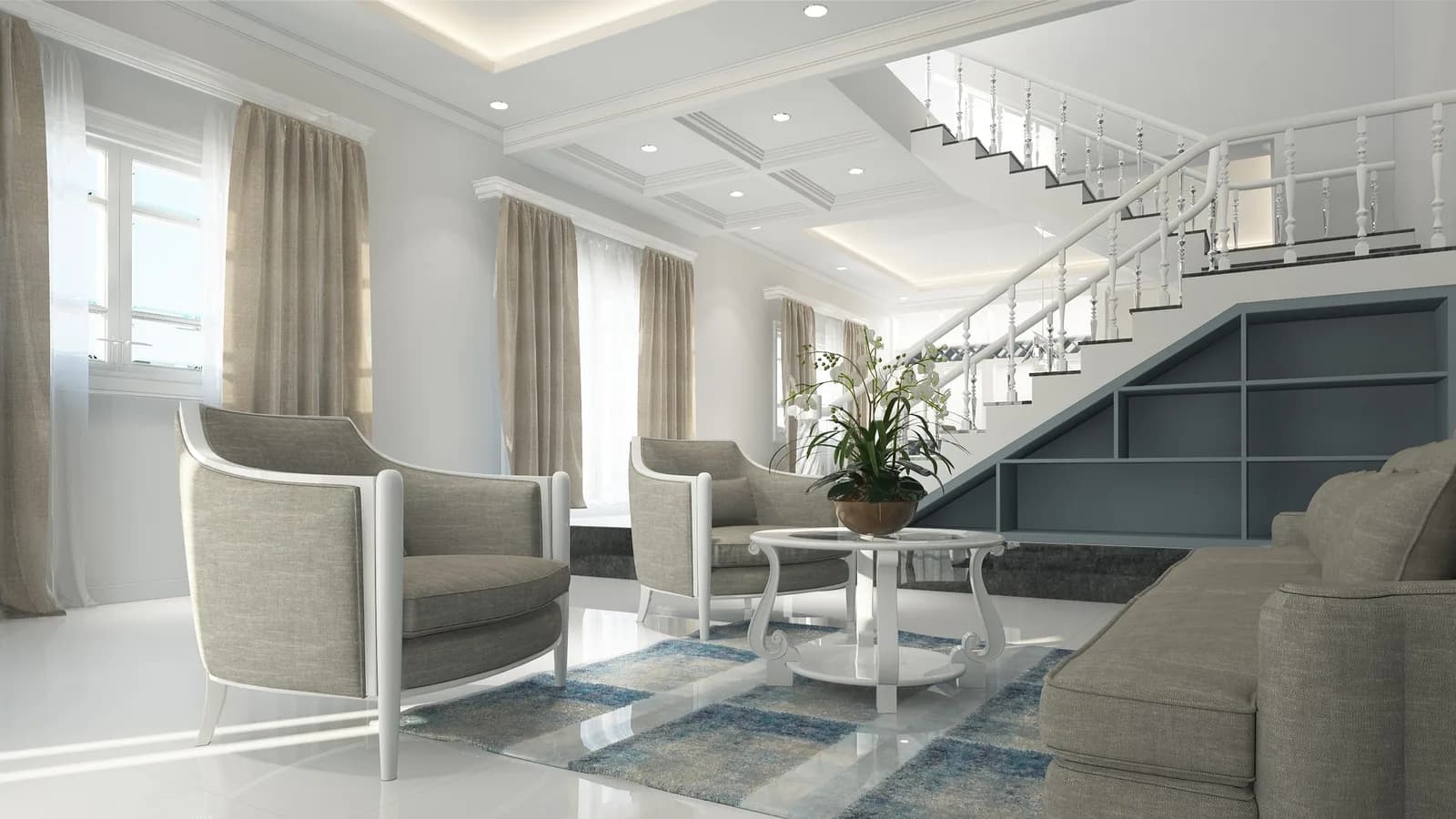
Context Selling
Showcase products in lifelike 3D spaces where customers can experience, feel, and connect before they buy just like real world shopping.
Learn more
Marketing
Launch new products in immersive 3D experiences that vividly tell your story, engage audiences, and drive higher clicks and conversions.
Learn more
Kids & GenZ
Engage Kids and Gen Z with playful, interactive 3D shopping worlds that feel like a game, spark curiosity, and make buying simple and fun.
Learn more
Take a look around.
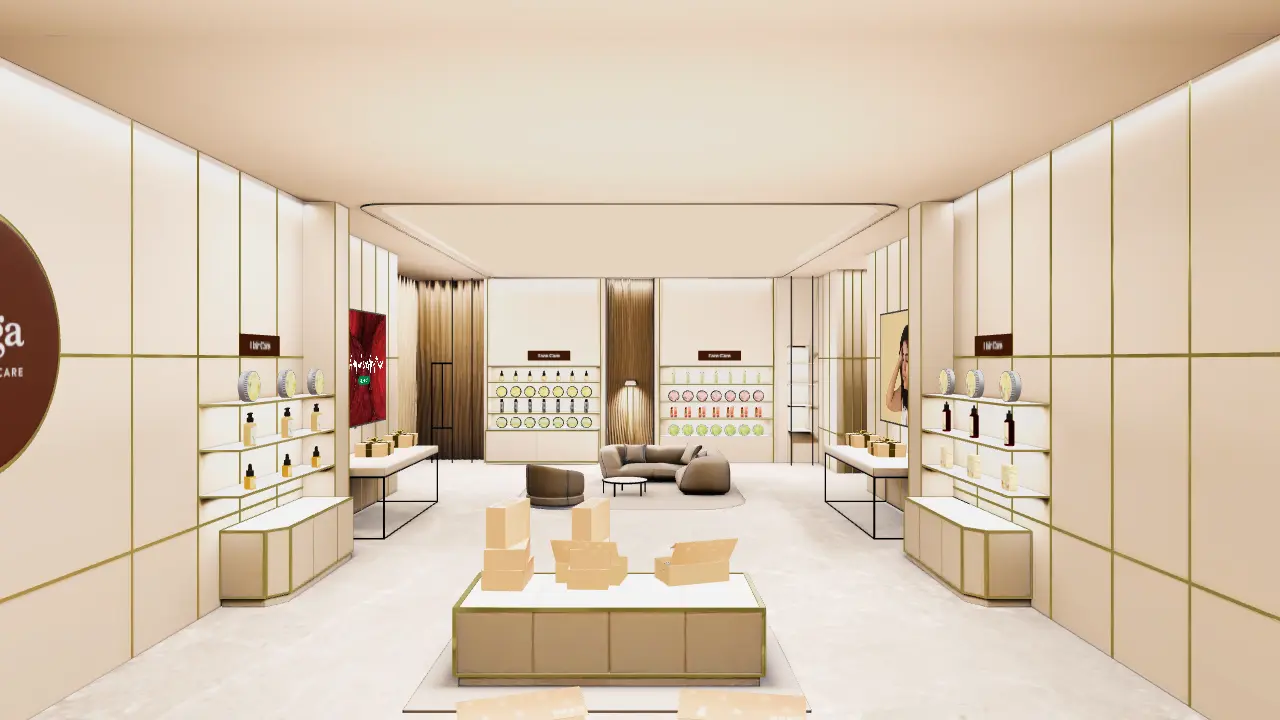

Open any product. Photos, options, Add to cart and Buy now, without leaving the room.
Deyga, beauty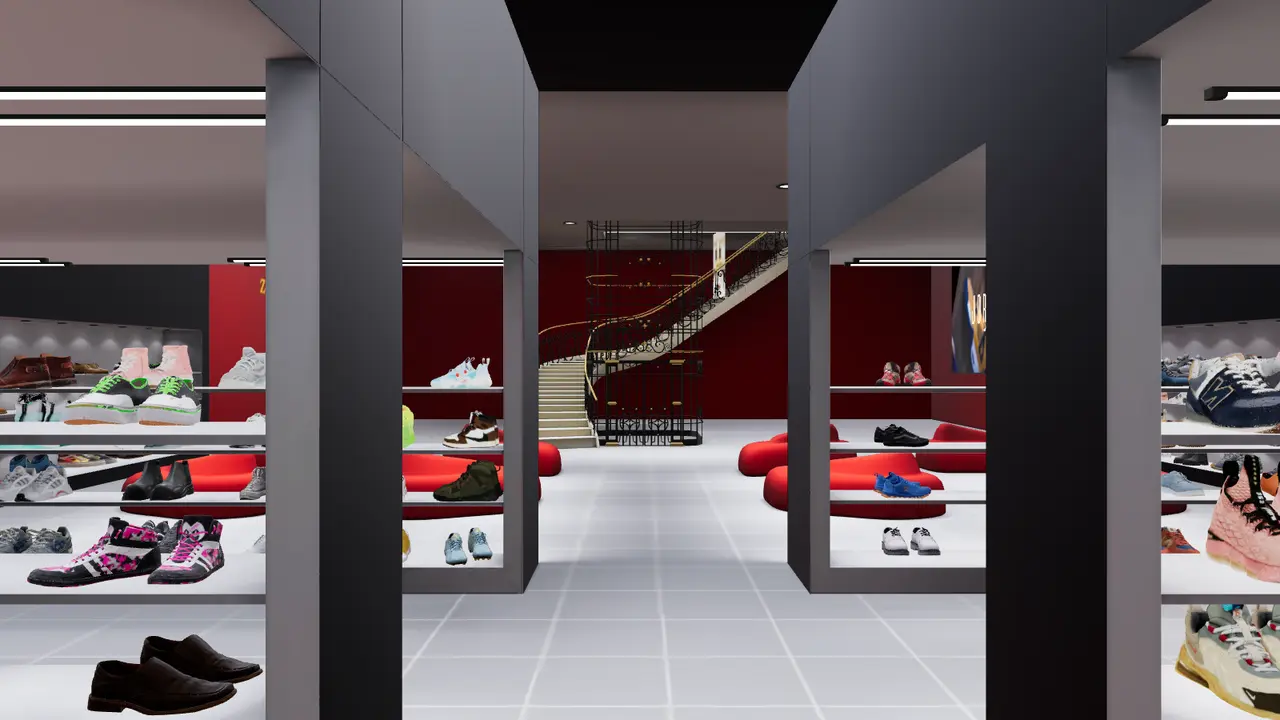
Talk to shoppers. An optional WhatsApp button starts a chat with your store.
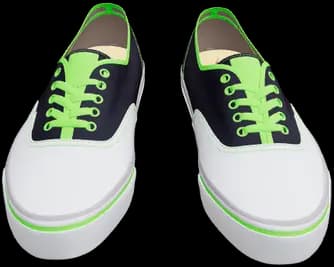
Zelviano, footwear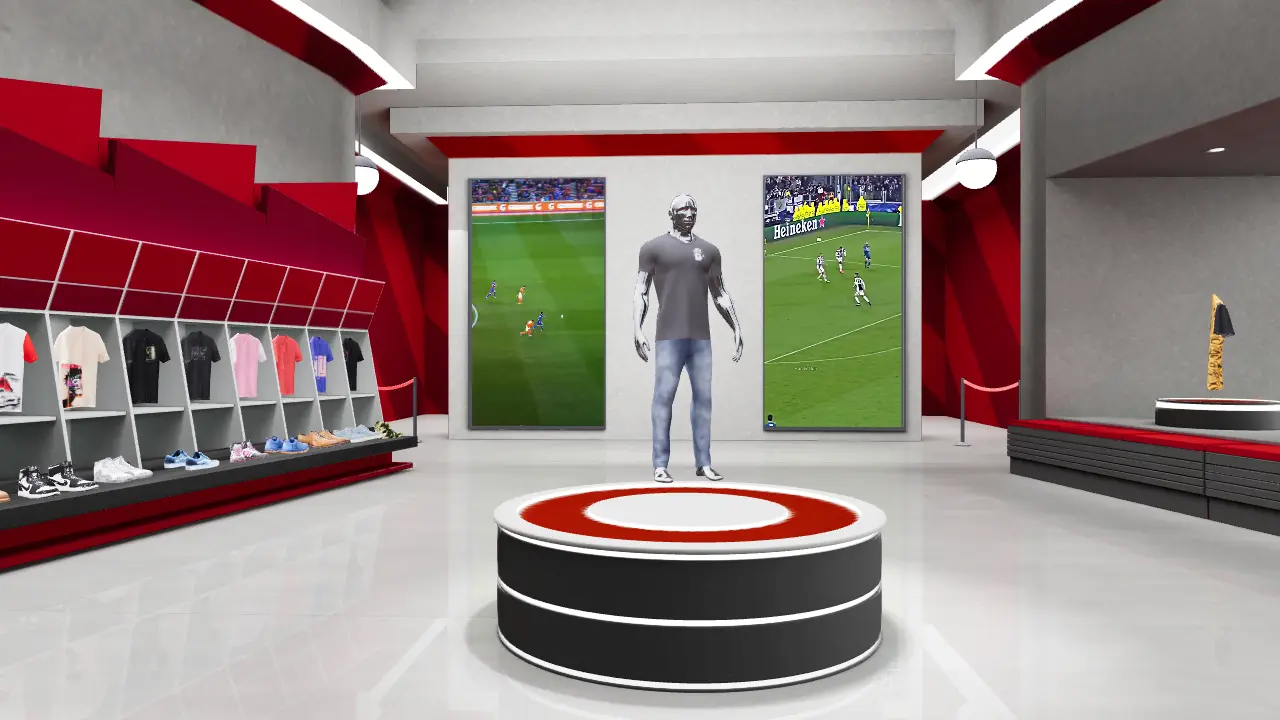

Make it yours. Choose the button colour, the music and the welcome message.
Goalrush, sports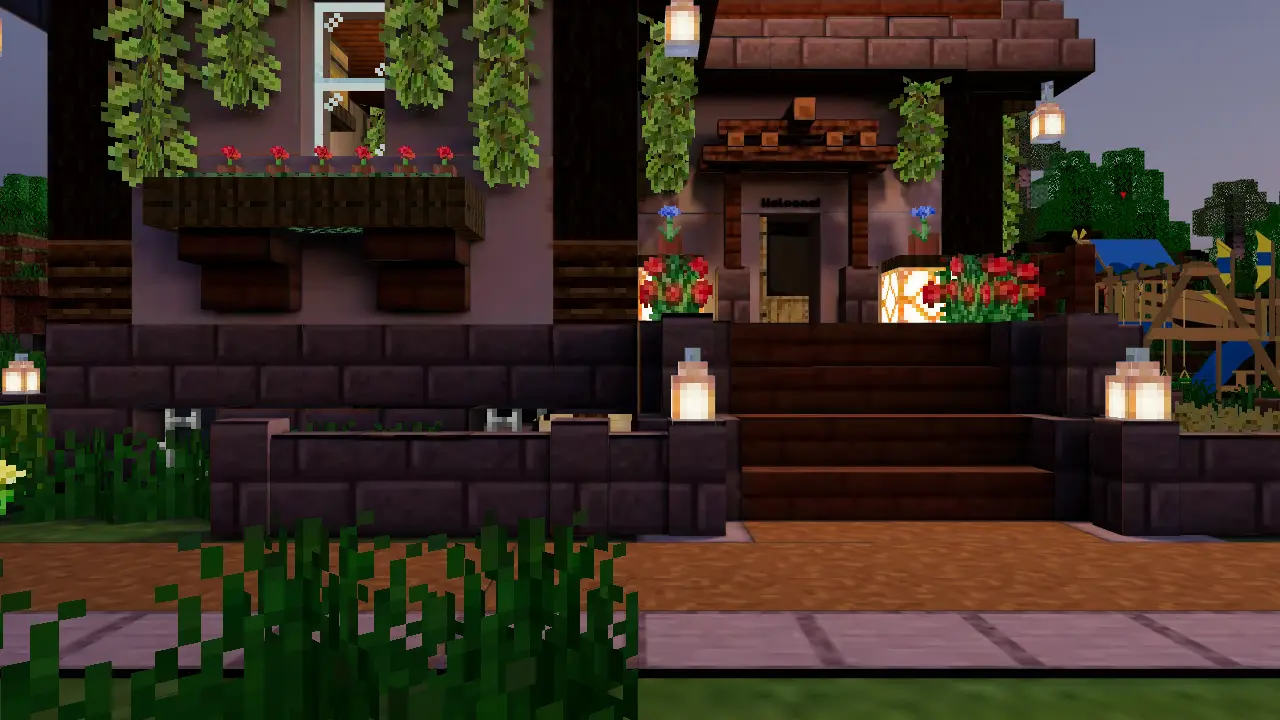

Any kind of store. From boutiques to playful worlds, with the same cart and checkout.
Pixel Pals, toysFrom install to launch.
Most stores go live in an afternoon. No developer. No 3D skills.
Step 1
Install the app.
Add Shackit 3D Showroom from the Shopify App Store. It opens right in your admin.
 Install
Shackit 3D Showroom
Shopify App Store
Step 2
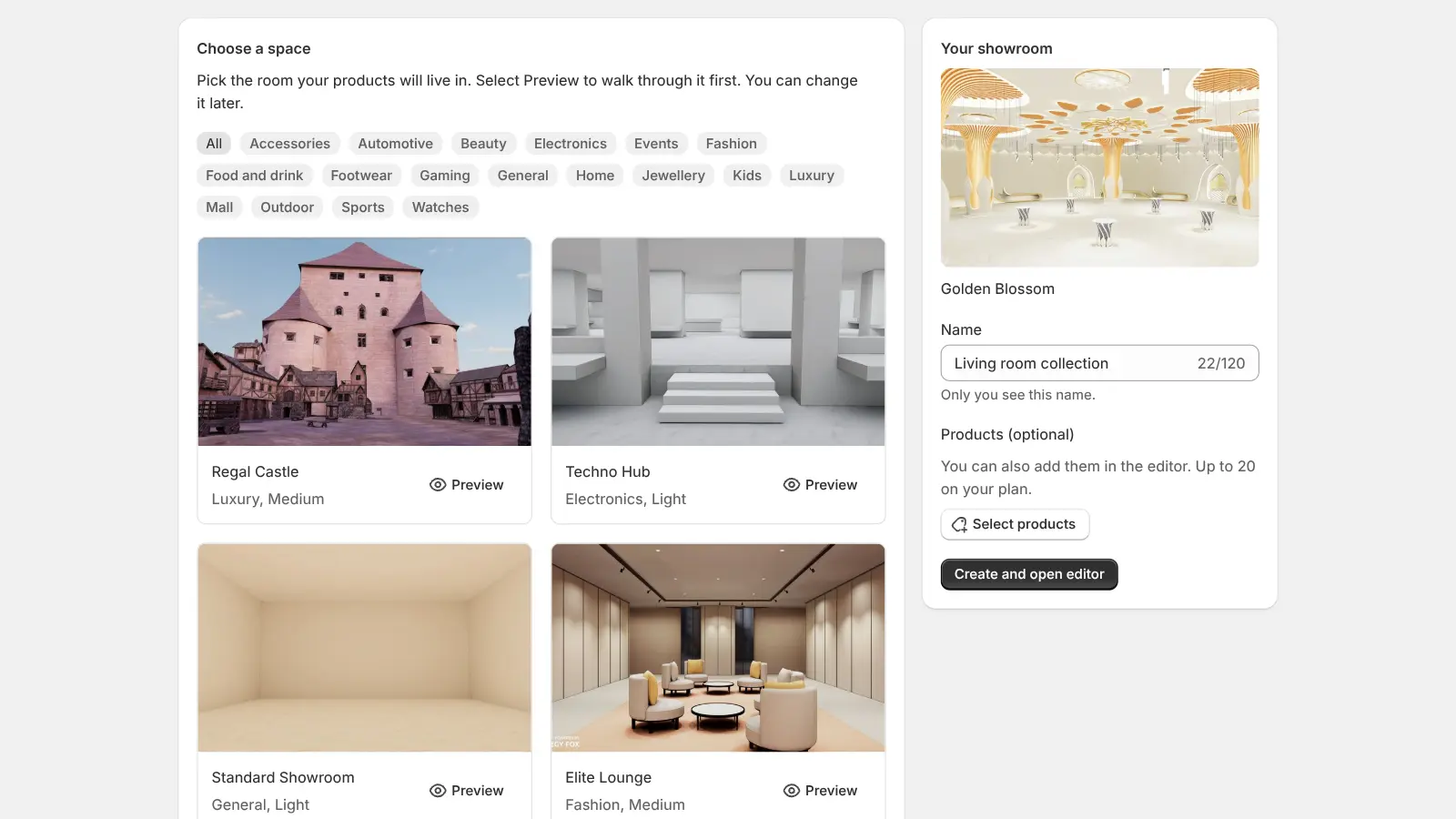
Choose a space.
Pick one of 30 ready made spaces and walk through it first in a full screen preview.
Step 3
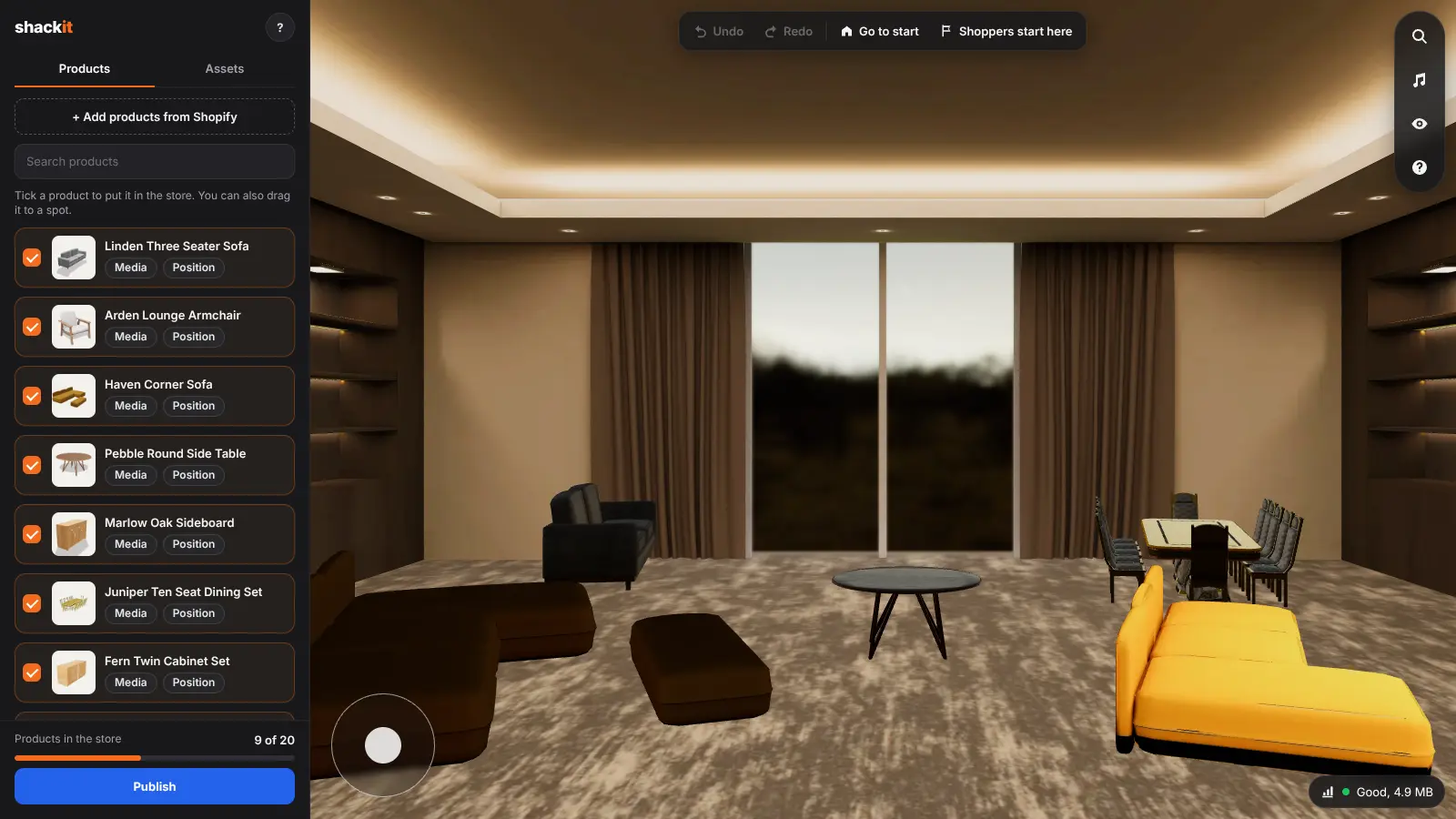
Place your products.
Click a product, then click the floor or a wall. Drag to move it, slide to turn and resize.
Step 4
Add it to your theme.
From the showroom page, open the theme editor with the 3D Showroom section already added to your home page, product pages or any page.
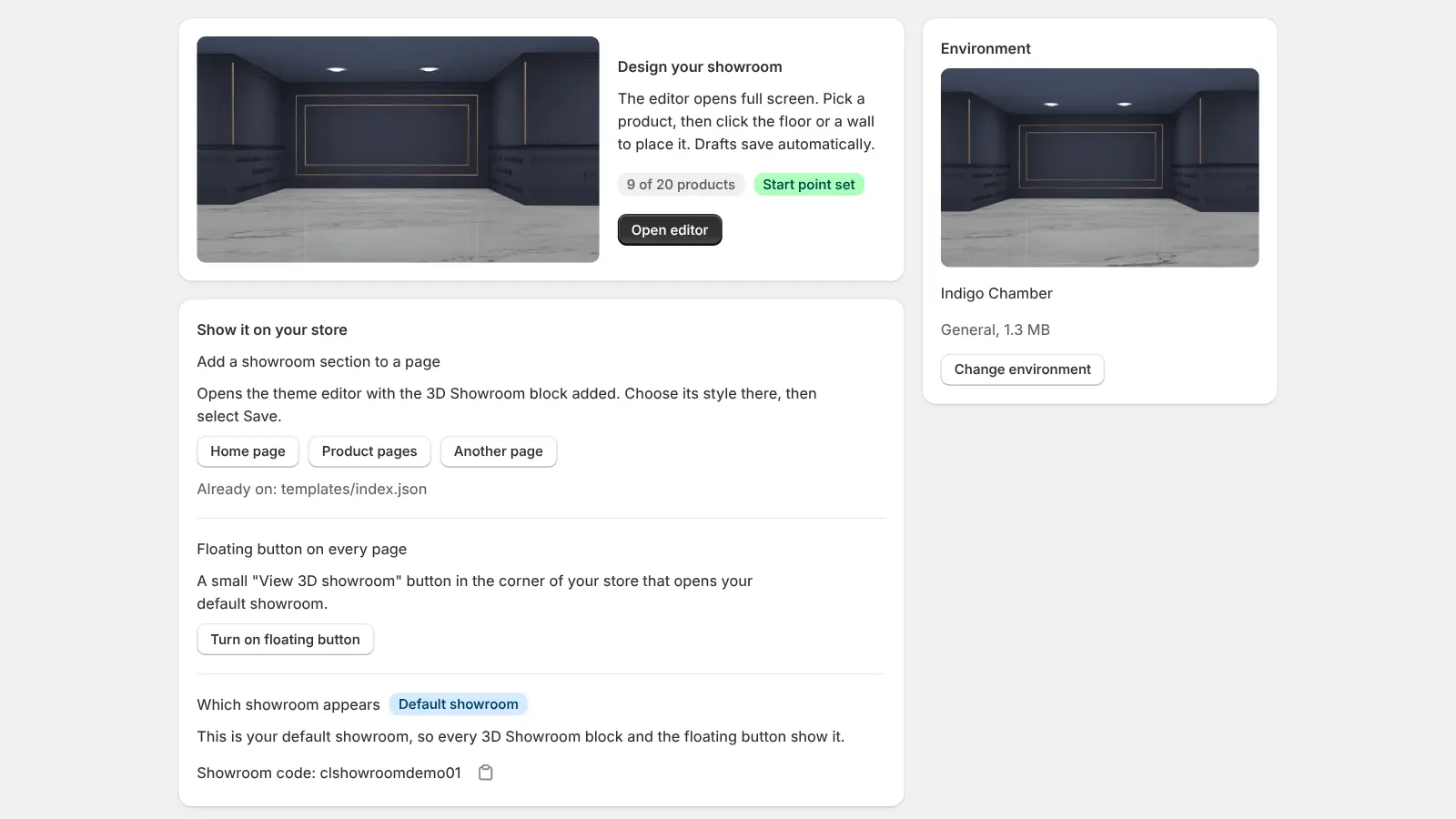
Step 5
Choose how it shows.
Pick Banner, Compact card or Button only, or turn on the floating button in App embeds so it shows on every page. Then select Save.
Step 6
Launch.
Publish your showroom and it is live on your store. Shoppers step in from the section or the floating button.
 3D Showroom
Made for shoppers.
Everything a shopper needs is right in the room, from the first step to the checkout.
Everything they need to buy.
Photos, 3D, options, quantity, Add to cart and Buy now, all in one panel.
Search that walks them there.
Type a product name and walk straight to it.
See it in 3D. Or in their room.
Products with a 3D model turn in 3D and open in AR on phones.
Save it for later.
A wishlist and a cart count, always one tap away.
Easy to get around.
Keyboard, mouse or touch, with a short guide on the first visit.
Chat and music.
An optional WhatsApp button and background music, set by you.
Step in with VR.
Walk your showroom in a VR headset, as if you were there.
Designed in your admin.
A full screen editor opens right inside Shopify and works with the products already in your store.
Click to place.
See the room at eye level, just as shoppers will. Click a product, then click where it goes.
Move, turn, resize.
Drag products around the room and fine tune them with simple sliders.
A decor library.
17 furniture and decor pieces to dress the space around your products.
Your 3D models.
Products with a 3D model show in 3D, others as framed photos. Upload GLB files from the app.
Save, then publish.
Drafts save as you go. Changes go live only when you publish.
A load size meter.
A live meter tells you when a showroom is getting heavy for phones.
30 spaces.
One for every brand.
Boutiques, galleries, lounges, studios and playful worlds. Every space comes with every plan, and you can switch any time.

Regal Castle
Luxury
1 of 30
Fast for shoppers.
Private by design.
<5 KB
added to your page. The 3D showroom loads only when a shopper steps in.
0
personal details of your shoppers stored. The app counts daily totals only.
5
things measured for every showroom: opens, product views, add to cart, wishlist saves and AR views.
Which plan is right for you?
Free Forever
$0
forever
Everything you need to start.
Install free1
Published showrooms
Up to 5
Products per showroom
- All 30 spaces and the decor library
- Full screen editor
- Section and floating button
- Search, wishlist, 3D, AR and cart
- Showroom analytics
Pro
$5
per month
For stores with more to show.
Choose Pro10
Published showrooms
Up to 20
Products per showroom
- All 30 spaces and the decor library
- Full screen editor
- Section and floating button
- Search, wishlist, 3D, AR and cart
- Showroom analytics
Prices in US dollars. Billing is handled by Shopify and appears on your Shopify invoice. Change or cancel any time.
Questions? Answers.
Do I need to know how to code or make 3D models?
No. You pick a ready made space and place your products by clicking. Products without a 3D model appear as framed photos, so you can start with the product images you already have.
Does it work with my theme?
The showroom section works with any Online Store 2.0 theme, such as Dawn or any current theme from the Shopify Theme Store. On an older theme, turn on the floating button instead. It works on every theme.
Does it change my checkout?
No. Shoppers add products to your store's own cart and pay through your normal Shopify checkout. Your discounts, shipping and payment settings all stay the same.
Will it slow down my store?
No. The page only loads a small button or banner. The 3D showroom downloads when a shopper chooses to enter it.
Is Shackit available outside Shopify?
No. Shackit 3D Showroom is a Shopify app and works only with Shopify Online Stores. There is no separate store, login or platform.
How does billing work?
Shopify handles billing. The Free Forever plan costs nothing. Pro is $5 a month, charged on your regular Shopify invoice, and you can change or cancel at any time from the app.
What happens if I uninstall?
The showroom disappears from your store and your showroom data is deleted as Shopify requires. You can reinstall at any time.